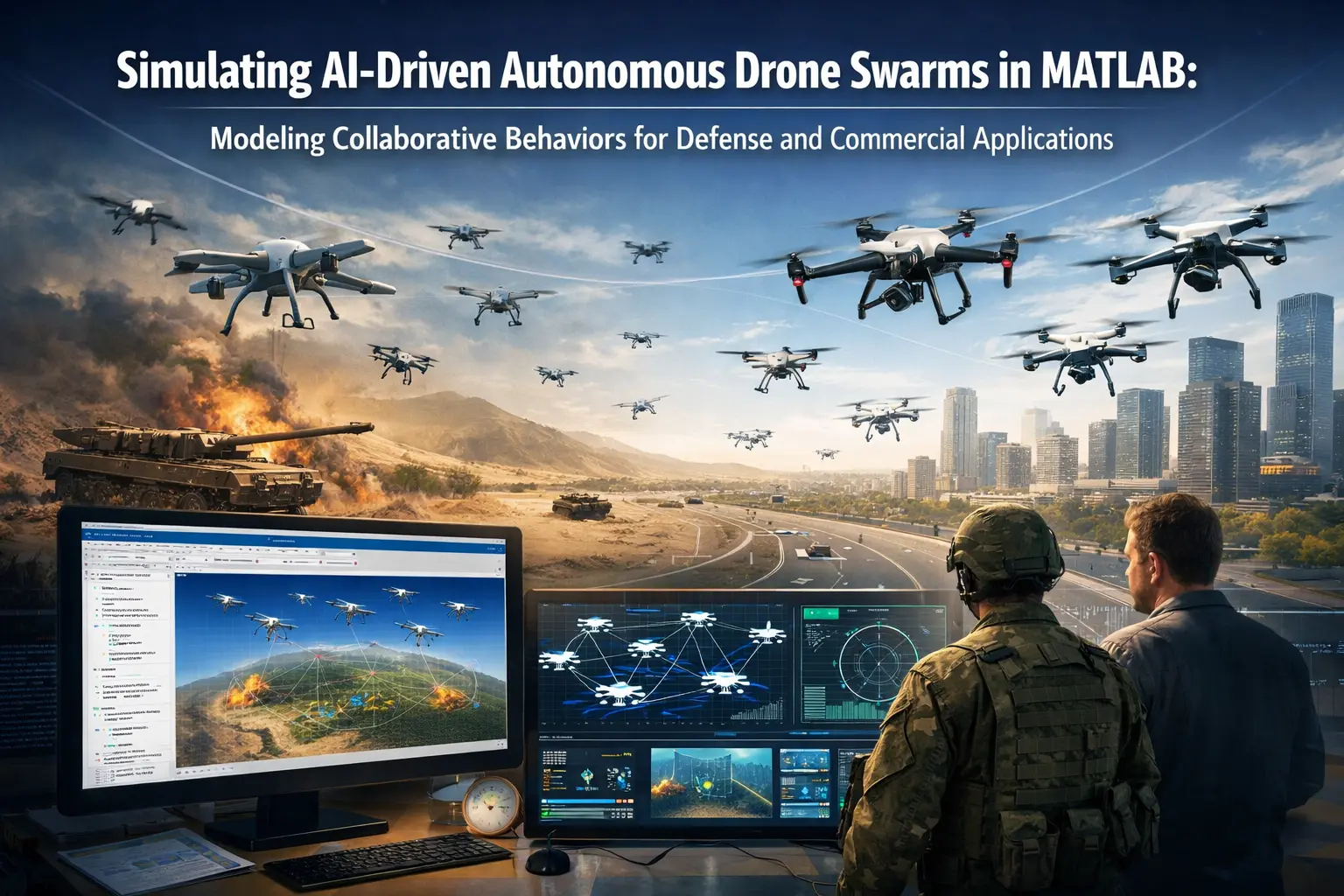
In early 2026, drone swarms have moved from science fiction to battlefield reality — and commercial disruption. Recent demonstrations include:
- Auterion's live-fire combat swarm test in Florida (January 2026), where a single operator directed heterogeneous drones to strike multiple targets simultaneously.
- The U.S. Pentagon's $100M Orchestrator Prize Challenge, seeking voice/text-controlled orchestration of multi-domain drone swarms.
- SIRBAI's launch of AI-powered autonomous swarm tech at UMEX 2026, emphasizing scalable, operator-friendly coordination for defense missions.
- Advances in AI perception, edge computing, and quantum-enhanced processing (e.g., ZenaTech's 2026 quantum prototype for real-time swarm data analysis in ISR and threat tracking).
These developments highlight the urgent need for safe, cost-effective simulation before deploying expensive hardware in contested environments or regulated airspace.
MATLAB and Simulink, with UAV Toolbox, excel here: enabling multi-agent modeling, sensor fusion, path planning, decentralized decision-making, and photorealistic testing — all before a single flight.
In this blog, we explore how to simulate AI-driven drone swarms in MATLAB for 2026-relevant scenarios like collaborative ISR (Intelligence, Surveillance, Reconnaissance), target prioritization, obstacle avoidance, and formation control.
Why Simulate Drone Swarms in MATLAB?
Physical swarm testing is risky, expensive, and regulated — especially for BVLOS or lethal autonomy. Simulation advantages include:
- Rapid iteration on algorithms (e.g., leader-follower, consensus-based, Voronoi partitioning).
- Closed-loop testing with realistic sensors (IMU, GPS, camera, radar, lidar).
- Integration with Unreal Engine for photorealistic 3D environments.
- Multi-UAV support via uavScenario, uavPlatform, and System objects.
- Easy transition to code generation for hardware deployment (PX4, etc.).
MathWorks tools support everything from waypoint following for multiple UAVs to advanced multi-agent behaviors.
Key Components for Drone Swarm Simulation in UAV Toolbox
-
Scenario Setup with uavScenario Create a shared environment for multiple platforms.
scenario = uavScenario("UpdateRate", 100, "StopTime", 60); % Add terrain, buildings, obstacles addMesh(scenario, ...); % Custom or predefined -
Multi-UAV Platforms. Instantiate multiple drones (multirotor, fixed-wing, VTOL hybrids).
drone1 = uavPlatform("UAV1", scenario, "ClassID", 1, ... "Position", [0 0 50], "Orientation", [0 0 0]); drone2 = uavPlatform("UAV2", scenario, ...); % Add more -
Sensors and Perception Equip with cameras, lidars for detection/avoidance.
cam = uavSensor("Camera", drone1, cameraSensor(...)); lidar = uavSensor("Lidar", drone1, ...); -
Guidance and Control Use waypointFollower or custom AI logic for collaborative path planning.
For swarms: Implement decentralized behaviors like flocking (attraction/repulsion/alignment) or leader-follower with communication modeling.
-
Simulation Loop Advance scenario and update poses/algorithms in closed loop.
MathWorks provides examples like "Simulate Multiple Fixed-Wing UAVs in Simulink Using System Objects" and "How to Simulate Multiple UAVs with Simulink" (YouTube walkthrough, 2025), showing waypoint missions for fleets.
Example: Simulating a Collaborative ISR Swarm
Scenario: 5 quadcopters search an urban area, share detections, and converge on high-priority targets autonomously.
- Use uavScenario for city mesh.
- Implement simple consensus algorithm: Each drone broadcasts local detections; swarm computes shared threat map.
- Add AI decision layer: Prioritize based on confidence scores (inspired by 2026 demos of autonomous target selection).
- Visualize trajectories and sensor views.
In Simulink:
- Use UAV Guidance Model blocks per drone.
- Multi-instance subsystems for scalability.
- Integrate Computer Vision Toolbox for image-based target recognition.
- Add Stateflow for mode switching (search → track → attack simulation).
For advanced users: Combine with Reinforcement Learning Toolbox to train swarm policies end-to-end, or Optimization Toolbox for real-time path replanning.
Defense vs. Commercial Applications in 2026
- Defense: Simulate contested environments (jamming, threats). Model kinetic strikes (e.g., Auterion-style multi-target engagement) or counter-swarm tactics.
- Commercial: Agriculture monitoring (coordinated crop scanning), infrastructure inspection (bridge/powerline swarms), disaster response (search-and-rescue coverage maximization).
Quantum integration (emerging 2026) could optimize large-scale swarm coordination — prototype classical approximations in MATLAB first.
Getting Started: Resources and Next Steps
- MathWorks UAV Toolbox examples: Multi-UAV waypoint following, scenario authoring, Unreal Engine integration.
- Watch: "How to Simulate Multiple UAVs with Simulink" (YouTube, 2025).
- Explore GitHub repos like INQUIRELAB/Multi-Agent-Drone-Control for Voronoi-based formation + obstacle avoidance.
- Try the UAV Scenario Tutorial in documentation.
Ready to build your own swarm sim? Download UAV Toolbox and start with the multi-UAV examples. Share your models in the comments — we'd love to feature community simulations!
For custom drone swarm projects, algorithm tuning, or Simulink model development, contact us at matlabsolutions.com — our experts help accelerate your 2026 UAV innovations.
Related Verified MATLAB & Simulink Projects
Need pre-built, debugged Simulink models with complete parameter initialization scripts and documentation? Explore top related solutions:
Common Engineering Troubleshooting & Q&A
Frequently encountered bugs, solver convergence issues, and implementation questions answered by our engineering mentors:
Recommended Engineering Articles
Need Custom MATLAB / Simulink Implementation?
Our team of PhD engineers build custom simulation plants, train machine learning agents, tune PID/MPC controllers, and deliver complete, executable code with Turnitin reports.