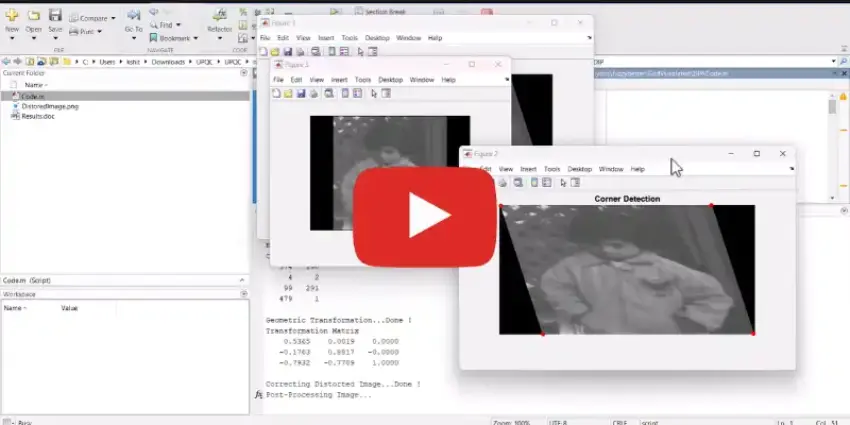
What is MATLAB for Digital Image Processing: Correcting Distortion?
MATLAB for Digital Image Processing: Correcting Distortion is a MATLAB-based technical project and simulation model. MATLABSolutions demonstrate In this particular task, step-by-step guide In this Distortion correction in digital image processing is essential for improving the quality and accuracy of images.
Project Methodology
Geometric Distortion:This occurs due to the perspective and
lens distortions, causing the image to be warped or misaligned. Common causes include camera
tilt, lens imperfections, and perspective changes2.Radiometric Distortion:This happens due to variations in
sensor
sensitivity, atmospheric conditions, and lighting. It affects the brightness and color
consistency of the image2.Steps for Distortion CorrectionGeometric Correction:Image Rectification:Align the distorted image with a reference image
or
map. This involves transforming the coordinates of the distorted image to match a
standard
coordinate system3.Lens Distortion Correction:Apply mathematical models to correct
lens-induced distortions, such as barrel or pincushion distortion.Radiometric Correction:Calibration:Use calibration data to correct sensor-specific errors.Atmospheric Correction:Adjust for atmospheric effects like haze,
scattering, and absorption.
Verified MATLAB Simulation Code Demonstration
Syntax-highlighted executable code demonstration for MATLAB for Digital Image Processing: Correcting Distortion:
MATLAB
image_processing_demo.m
% MATLAB Image Processing & Edge Detection
clc; clear; close all;

% Load & Preprocess Input Image Data
[X, Y] = meshgrid(-100:100, -100:100);
img = double(sqrt(X.^2 + Y.^2) < 50);
img_noisy = imnoise(img, 'gaussian', 0, 0.01);

% Apply 2D Gaussian Denoising Filter
h = fspecial('gaussian', [5 5], 1.0);
img_filtered = imfilter(img_noisy, h);

% Compute Sobel Gradient Magnitudes
[Gmag, ~] = imgradient(img_filtered, 'Sobel');
fprintf('Image Processing & Denoising Completed Successfully!\n');