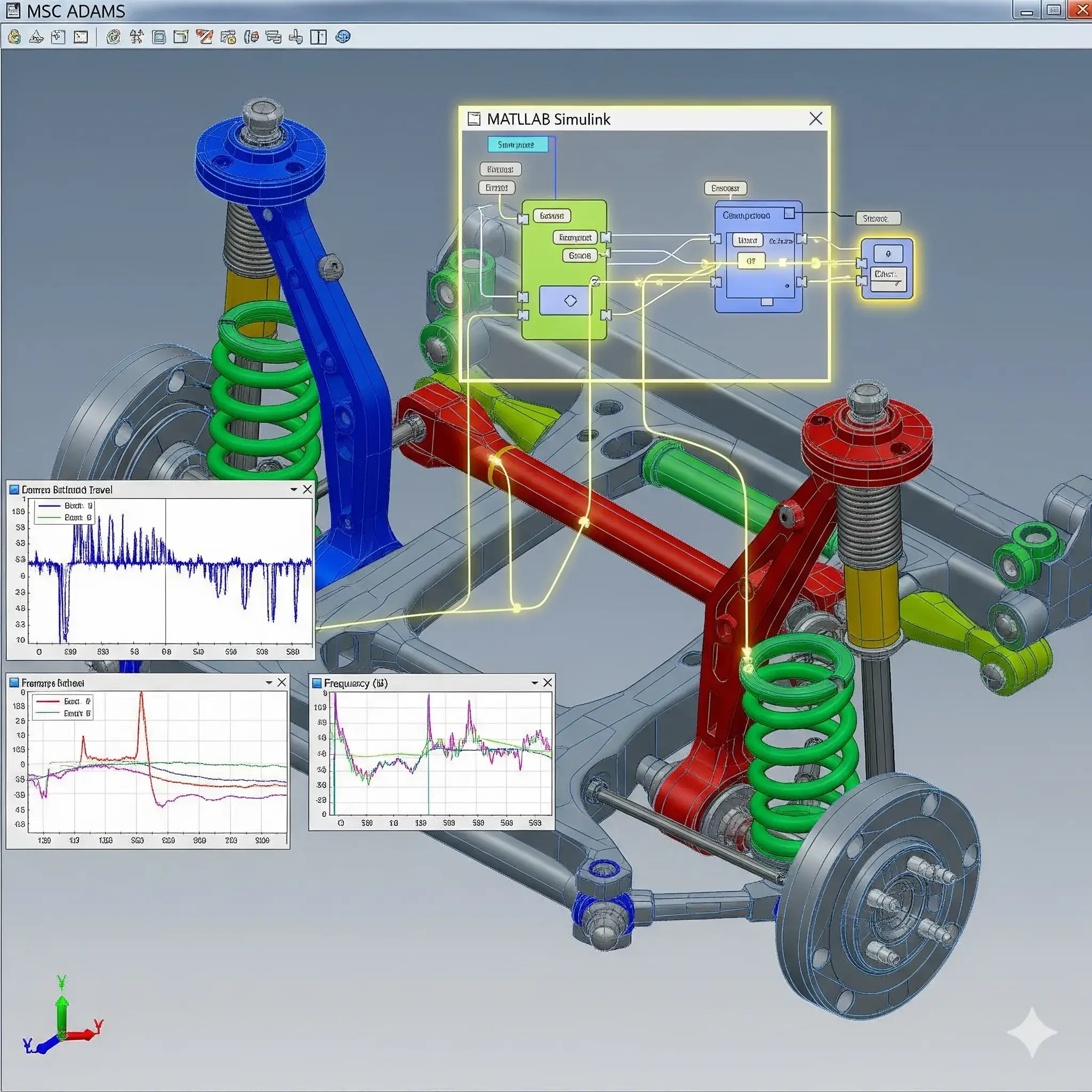
What is Car Model in ADAMS and MATLAB: Co-Simulation Project Guide?
Car Model in ADAMS and MATLAB: Co-Simulation Project Guide is a MATLAB-based technical project and simulation model. Designing modern automotive systems requires balancing mechanical dynamics with electronic control algorithms. Testing physical prototypes for ride comfort, rollover prevention, and braking stability is costly and time consuming. Engineers address this by pairing multi-body dynamics software with control simulation tools. MSC ADAMS (specifically ADAMS/Car) excels at modeling complex mechanical assemblies such as multi-link suspensions, steering linkages, tire-road interactions, and flexible chassis bodies. MATLAB and Simulink provide the environment for designing controllers such as Anti-lock Braking Systems (ABS), Electronic Stability Programs (ESP), and active suspension logic. Connecting these two environments through an ADAMS/Controls co-simulation interface allows the mechanical vehicle model to act as a virtual plant inside Simulink. This project workflow demonstrates how to build a full vehicle model, export plant inputs and outputs, and evaluate vehicle stability under standard ISO maneuver tests
Project Methodology
The co-simulation workflow couples multi-body dynamics in ADAMS with control loops running in Simulink. The process follows five practical stages:
- Multi-body vehicle assembly in ADAMS: Build the virtual vehicle by assembling core subsystems in ADAMS/Car. This includes front and rear suspensions (such as MacPherson or double wishbone), rack-and-pinion steering, a rigid or flexible chassis body, powertrain mounts, and non-linear spring-damper components.
- Tire and road surface modeling: Attach realistic tire models (such as Pacejka Magic Formula or PAC2002) to the vehicle assembly. Define flat, uneven, or banked road profiles to simulate real driving environments and capture lateral and longitudinal tire forces.
- Defining plant inputs and state outputs: Set up control communication points in ADAMS/Controls. Input variables typically include steering torque, individual wheel braking pressures, and active suspension actuator forces. Output variables include vehicle yaw rate, roll angle, lateral acceleration, wheel speeds, and chassis displacement.
- Simulink controller design and co-simulation interface: Export the ADAMS plant model as a state-space block or non-linear co-simulation S-function into MATLAB/Simulink. Build control systems in Simulink (such as PID, LQR, or fuzzy logic controllers for active suspension or traction control) and connect controller outputs directly to the ADAMS plant inputs.
- Dynamic testing and performance analysis: Run synchronized simulations across both platforms under standard dynamic driving maneuvers. Common tests include double lane changes, step steer inputs, fishhook maneuvers, and harsh braking on split-friction surfaces. Time-domain response curves from MATLAB and 3D animations from ADAMS are compared to verify stability, ride comfort, and handling performance.
After running the test scenarios, engineers fine-tune mechanical damping ratios and controller gains to improve vehicle responsiveness and prevent loss of control during aggressive maneuvers.
Verified MATLAB Simulation Code Demonstration
Syntax-highlighted executable code demonstration for Car Model in ADAMS and MATLAB: Co-Simulation Project Guide:
% State-Space Control & Stability Analysis
clc; clear; close all;

% System Matrices
A = [0 1; -4 -5];
B = [0; 1];
C = [1 0];
D = 0;

sys_ss = ss(A, B, C, D);
Co = ctrb(A, B);

% Pole Placement Control
desired_poles = [-3 + 4i, -3 - 4i];
K = acker(A, B, desired_poles);

sys_cl = ss(A - B*K, B, C, D);
fprintf('State Feedback Controller Formulated Successfully!\n');